



Free Budget Spreadsheet Setup: Simple Google Sheets Guide
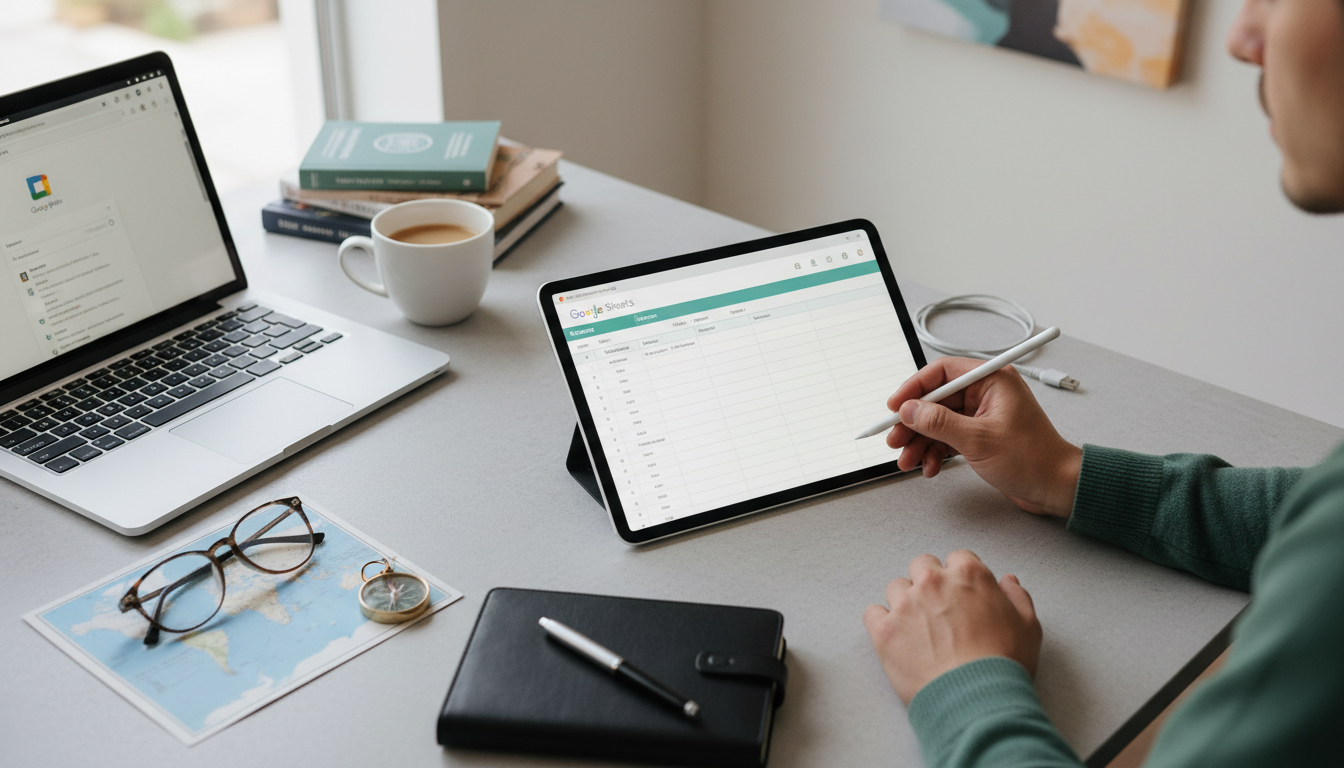
How to set up a budget spreadsheet for free?
Setting up a budget spreadsheet for free is easiest when you keep it simple: track what comes in, where it goes, and what’s left. You can do this with Google Sheets (free with a Google account) or a free spreadsheet app like LibreOffice. The goal is clarity—not perfection—so start with a basic layout and refine it after a week or two of real spending data.
Step 1: Choose a free spreadsheet tool
Google Sheets is a solid default because it saves automatically and works on any device. Create a new blank sheet and name it something clear like “Monthly Budget – May 2026.”
Step 2: Set up your core sections
Create four main blocks: Income, Fixed Expenses, Variable Expenses, and Savings/Debt. Use one column for category names and the next columns for “Planned,” “Actual,” and “Difference.” This makes it easy to see where you overspent and where you came in under budget.
Step 3: List income sources first
Add rows for paychecks, side income, reimbursements, and anything else that regularly hits your account. If your income varies, use a conservative estimate so you don’t budget money you may not receive.
Step 4: Add expenses by category (then get specific)
Start with fixed expenses like rent/mortgage, insurance, subscriptions, and loan payments. Then add variable categories like groceries, gas, dining out, shopping, and entertainment. If you want fast accuracy, review last month’s bank/credit card statements and plug in averages.
Step 5: Build simple formulas
At the bottom of each section, add totals. Then calculate “Net” as Total Income minus Total Expenses. If the net is negative, reduce variable categories or set smaller savings targets until the spreadsheet balances.
Step 6: Make it usable week-to-week
Update “Actual” numbers weekly (or after each payday). Add short notes for one-time costs so they don’t become “mystery spending” next month. For a more detailed checklist and layout ideas, use this guide: budget spreadsheet checklist for financial clarity.
FAQ
What categories should I include in a basic budget?
Include income, fixed bills (housing, insurance, debt), variable spending (food, transportation, personal), and savings goals. Add any category that regularly affects your cash flow so totals reflect reality.













Leave a comment