



Smart Door Lock Downsides: Batteries, Apps, Security
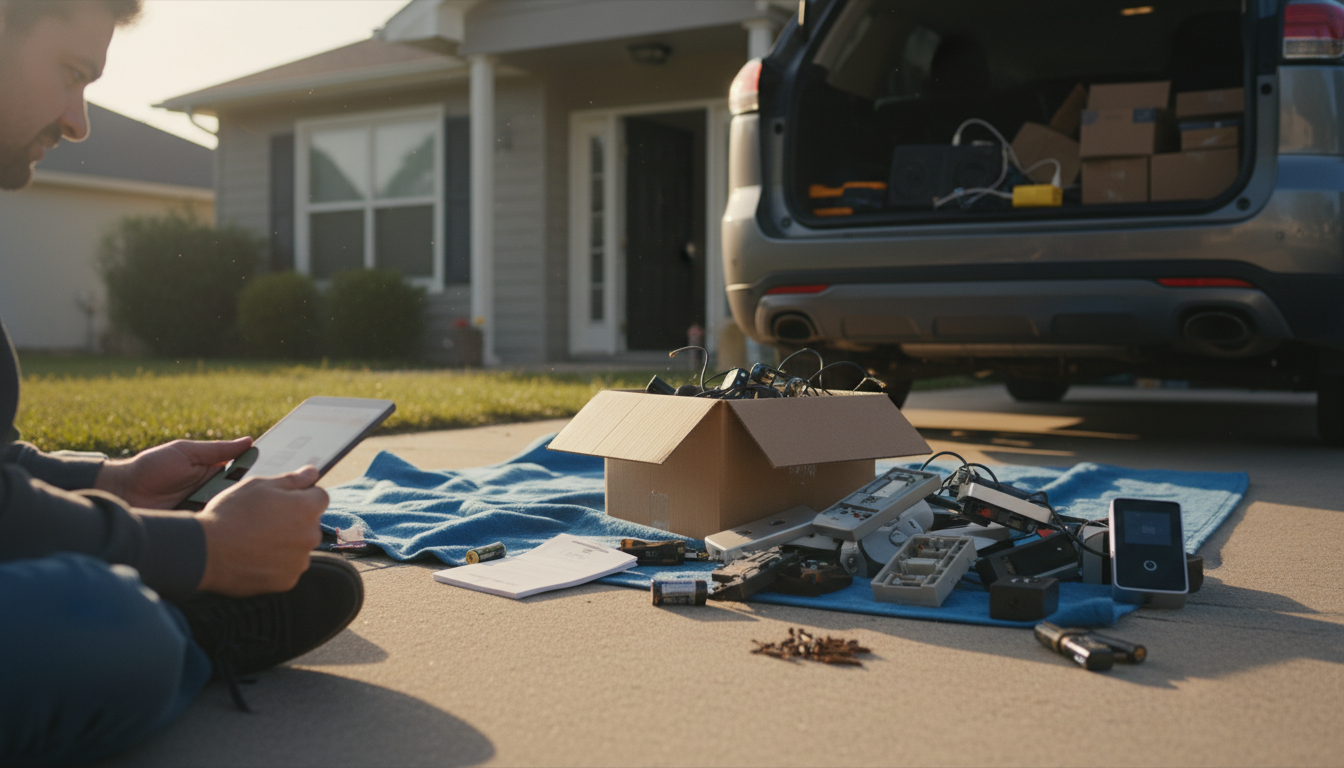
What are the downsides of smart door locks?
Smart door locks can make daily access easier, but they also introduce trade-offs that traditional deadbolts don’t. The biggest downside is that convenience often depends on power, connectivity, and software—things that can fail or become outdated.
Power and battery dependence
Most smart locks run on batteries, and a dead battery can leave you locked out or force you to use a backup key (if the model includes one). Battery level indicators aren’t always precise, and frequent use—especially with auto-lock or Wi‑Fi features—can drain power faster than expected.
Connectivity hiccups and app reliance
Features like remote unlocking, real-time alerts, and activity logs can stop working if Wi‑Fi is down, Bluetooth is finicky, or the app glitches. Even when the physical lock still works, losing remote access can be a real issue during travel, deliveries, or emergencies.
Security and privacy concerns
Any connected device can be a target. Poor passwords, shared codes, unsecured home networks, or outdated firmware can increase risk. Smart locks can also create privacy concerns because entry logs and user access data may be stored in an app or cloud service, depending on the brand.
Installation, compatibility, and door fit issues
Some doors need adjustments for proper alignment, and certain smart locks don’t play nicely with every deadbolt setup. Older doors, worn strike plates, or tight tolerances can cause motor strain, noisy operation, or inconsistent locking.
Ongoing costs and long-term support
Some features require a hub, specific smart home ecosystem, or paid subscription for advanced notifications and logging. There’s also the long-term question of support: apps change, platforms get discontinued, and replacement parts may be harder to find than a standard deadbolt.
For a deeper look at features like codes, logs, and remote access—and how to set them up responsibly—see the full guide here: https://havencia.com/guide-advanced-smart-door-lock-guide-codes-logs-remote-access/.
FAQ
Do smart door locks work during a power outage?
Battery-powered smart locks typically keep working during a power outage, but Wi‑Fi-based remote features may stop if your router loses power. Keeping fresh batteries and a backup entry method helps prevent lockouts.












Leave a comment