



Qi Touch Lamp Alarm Clock: Specs to Check Before Buying
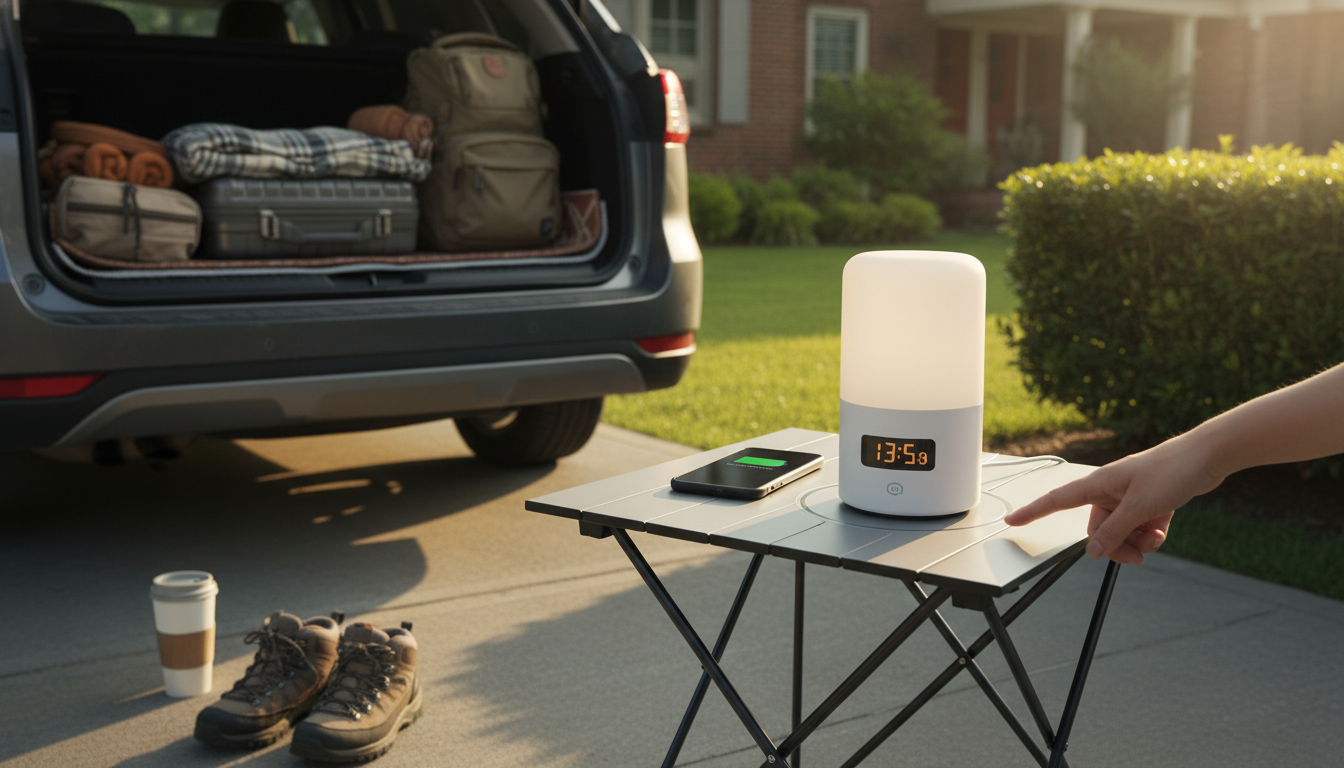
What should I look for in a touch lamp alarm clock to ensure it supports Qi wireless charging?
To confirm a touch lamp alarm clock truly supports Qi wireless charging, start with the product listing itself. Look for the terms “Qi-certified” or “Qi wireless charging” in the specifications, not just in marketing copy. If the brand mentions compatibility with “Qi-enabled phones” and lists a wattage (commonly 5W, 7.5W, 10W, or 15W), that’s a strong sign the charging pad is built on the Qi standard rather than a proprietary solution.
Next, check the charging output and device compatibility. iPhones often charge at 7.5W on many third-party Qi chargers, while many Android phones can use 10W or 15W if the lamp supports it. If the product only says “wireless charging” with no wattage and no Qi mention, treat it as a red flag. Also verify it can charge through typical cases (often up to about 3–5 mm) if that matters for your setup.
Physical design details matter with touch lamps. Confirm where the charging coil is located (usually marked with a symbol or “charging zone”), and ensure the surface is flat enough to keep your phone aligned overnight. A small misalignment can mean waking up to a low battery. If you use a large camera bump or a phone with a thick case, look for notes about coil alignment, maximum case thickness, and whether the pad is centered or offset.
Power requirements can make or break performance. Many clocks with Qi charging need a higher-output wall adapter to deliver stable charging. Check whether the required adapter is included, and whether it’s rated appropriately. If the clock is powered by USB, confirm the input rating (for example, 9V/2A or similar) so the wireless charging feature isn’t underpowered.
Finally, look for safety and reliability indicators: over-temperature protection, foreign-object detection (FOD), and certifications. For a deeper checklist and buying tips, see the full guide here: https://havencia.com/what-should-i-look-for-in-a-touch-lamp-alarm-clock-to-ensure-it-supports-qi-wireless-charging/.
FAQ
Will a phone case affect wireless charging on a touch lamp alarm clock?
Yes—thick cases, metal plates, and wallets can reduce charging speed or prevent charging altogether. For best results, use a slim, non-metal case and align the phone carefully on the marked charging area.












Leave a comment