



AI Debugging Workflow + Developer Checklist (Download)
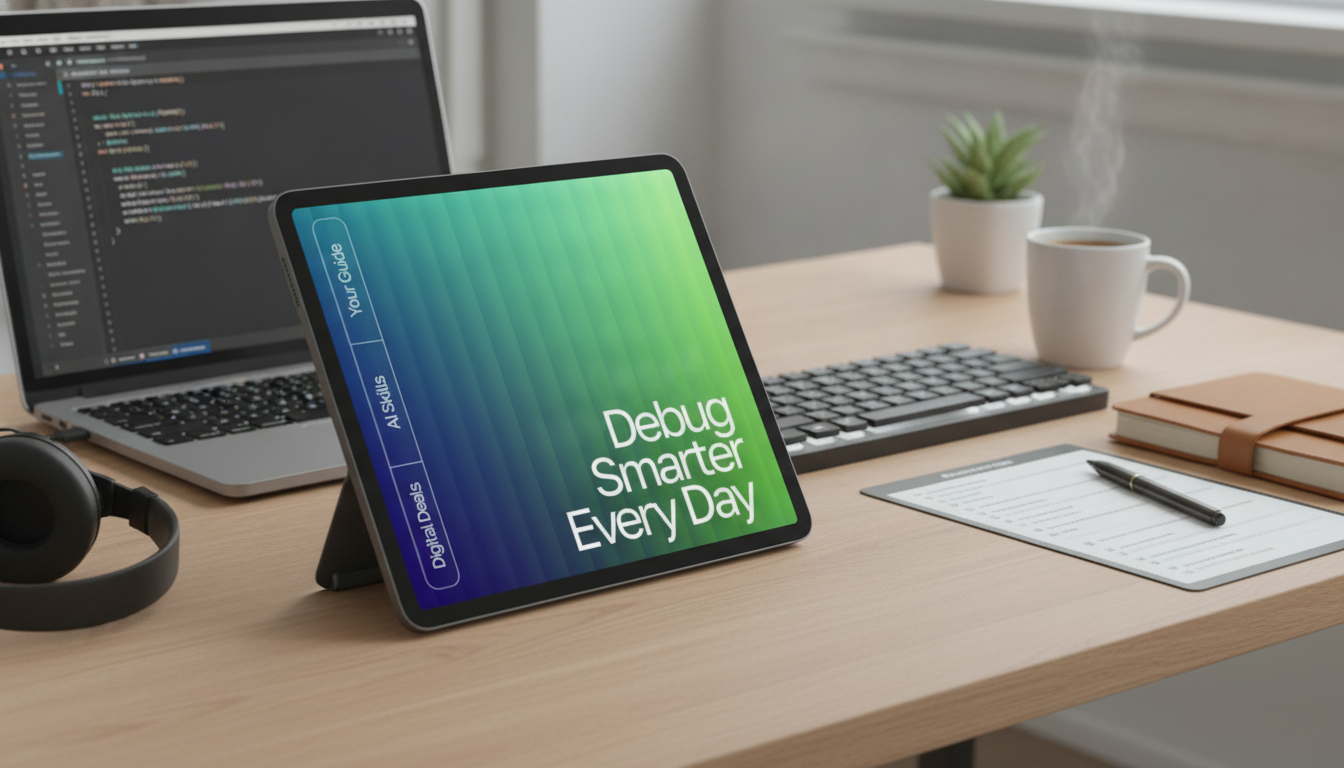
Debug Smarter Every Day — AI Debugging Guide + Developer Checklist (Digital Download)
Debugging tends to drag when symptoms are vague, reproduction is flaky, or the codebase is unfamiliar. This digital guide focuses on a repeatable workflow for isolating failures, forming testable hypotheses, and using AI assistance responsibly to speed up root-cause analysis without losing engineering rigor. It’s built for real-world constraints: incomplete context, time pressure, and multi-system behavior that doesn’t fit neatly into a single stack trace.
What “smarter debugging” looks like in day-to-day development
Smarter debugging reduces time-to-fix by tightening the loop: observe → reproduce → isolate → verify → prevent. Instead of chasing hunches, it treats each failure as a systems problem—inputs, state, environment, dependencies, timing, and assumptions all matter. The goal is evidence-driven progress: logs, traces, minimal reproductions, and small controlled experiments that either confirm or eliminate a cause quickly.
AI can help—especially for pattern recognition and hypothesis generation—but it should act as a collaborator. Verification still belongs to tests, instrumentation, and measured outcomes.
A practical debugging loop (manual vs AI-assisted)
| Step | Manual approach | AI-assisted approach |
|---|---|---|
| Reproduce | Document exact steps, inputs, and environment; attempt to make the failure deterministic | Summarize reproduction conditions; ask for likely sources of nondeterminism and missing details |
| Minimize | Create a smallest failing test or snippet; remove unrelated code paths | Ask for strategies to shrink the reproduction while preserving the failure signal |
| Hypothesize | List plausible causes based on code knowledge and recent changes | Generate ranked hypotheses, edge cases to test, and suspicious modules to inspect |
| Instrument | Add logs, assertions, tracing, and checks; inspect state transitions | Request targeted instrumentation suggestions and what signals to capture |
| Verify fix | Write regression tests; run locally/CI; validate performance and side effects | Ask for regression test ideas and risk areas to re-check |
Common failure patterns the workflow helps untangle
Many “mystery bugs” fall into repeat categories. A structured workflow prevents overfitting to the first plausible explanation and makes it easier to separate correlation from causation.
- Off-by-one errors, boundary conditions, and incorrect assumptions about input shape
- State and lifecycle issues: stale caches, initialization order, and race conditions
- API integration mismatches: contracts, schema drift, versioning, and auth scopes
- Environment gaps: configuration, secrets, OS differences, locale/timezone, and dependency versions
- Silent failures caused by swallowed exceptions, overly broad try/catch, or missing error propagation
A disciplined AI-assisted debug workflow (without guesswork)
AI assistance is most effective when it receives a clear, bounded problem statement and returns testable outputs. Start with a crisp failure statement: what was expected, what happened instead, and where it manifests (UI, API, worker, build, test runner). Provide minimal, relevant context: stack trace, a short log slice around the failure, versions, and a small code excerpt near the suspect path.
- Ask for testable hypotheses and a short experiment plan; run experiments one at a time
- Keep a “change ledger”: every tweak should have a reason and a measured outcome
- End with prevention: regression test, guardrails, better observability, and a documented root cause
For complementary practices around code quality and review discipline, Google’s engineering guidance is a useful reference: Google Engineering Practices — Code Review Developer Guide.
What’s included in the digital download
The download is designed to be referenced mid-debug, not shelved. It standardizes the way issues are investigated so the team can move from “it seems to work on my machine” to a repeatable path that produces evidence and durable fixes.
- A structured debugging guide designed for real codebases and real constraints
- A developer-friendly checklist to standardize how errors are investigated and resolved
- Reusable question patterns for communicating clearly with an AI assistant during triage and isolation
- Guidance for turning a fix into a durable prevention step (tests, monitoring, and safer defaults)
Where this guide pays off fastest
- On-call and incident response: shorten time-to-mitigate and reduce repeated guesswork
- Legacy code and unfamiliar repositories: build a quick mental model and isolate the faulty area
- CI failures and flaky tests: identify nondeterministic inputs, ordering, and hidden dependencies
- Performance regressions: confirm bottlenecks with measurements before refactoring
- Data bugs: catch schema mismatches, nullability issues, and edge-case transformations
If debugging happens in the browser or tooling is part of the bottleneck, strong references include MDN Web Docs — Firefox Developer Tools and Microsoft Learn — Debugging in Visual Studio.
How to use the checklist in a typical debugging session
The checklist is meant to guide decisions, not add ceremony. It helps keep each step small, measurable, and reversible.
- Triage: capture reproduction steps, environment details, and a crisp failure definition
- Isolation: reduce scope using binary search across commits, feature flags, or code paths
- Evidence: add instrumentation that answers one question at a time (state, timing, inputs, invariants)
- Repair: implement the smallest safe fix; confirm it resolves the reproduction case
- Hardening: add a regression test and a monitoring/alerting signal when appropriate
Digital delivery, access, and fit
Product details
Available digital downloads
- Debug Smarter Every Day — AI Debugging Guide (Digital Download)
- Low-Effort Makeup Secrets Pack | Simple Makeup Ideas 4-in-1 Digital Beauty Bundle
- Color Theory Seasons Bundle 10-in-1 | Seasonal Color Analysis Guides & Checklists
FAQ
Is this useful for beginners, or mainly for experienced developers?
It works for both: beginners get structure and a clear sequence of steps, while experienced developers benefit from faster isolation, cleaner experiments, and stronger prevention practices that reduce repeat incidents.
What information should be shared with an AI assistant during debugging?
Share sanitized, minimal context: the error message/stack trace, relevant logs, versions, reproduction steps, and a small code excerpt around the failure. Do not share secrets, tokens, customer data, or proprietary code you’re not allowed to disclose.
How does the checklist help with flaky tests and intermittent bugs?
It pushes you to make failures reproducible by controlling randomness and timing, capturing state and environment signals, and isolating dependencies. It also guides targeted instrumentation and adds regression coverage once the root cause is confirmed.














Leave a comment