



Magnetic Hall Effect Keyboards Explained: How They Work
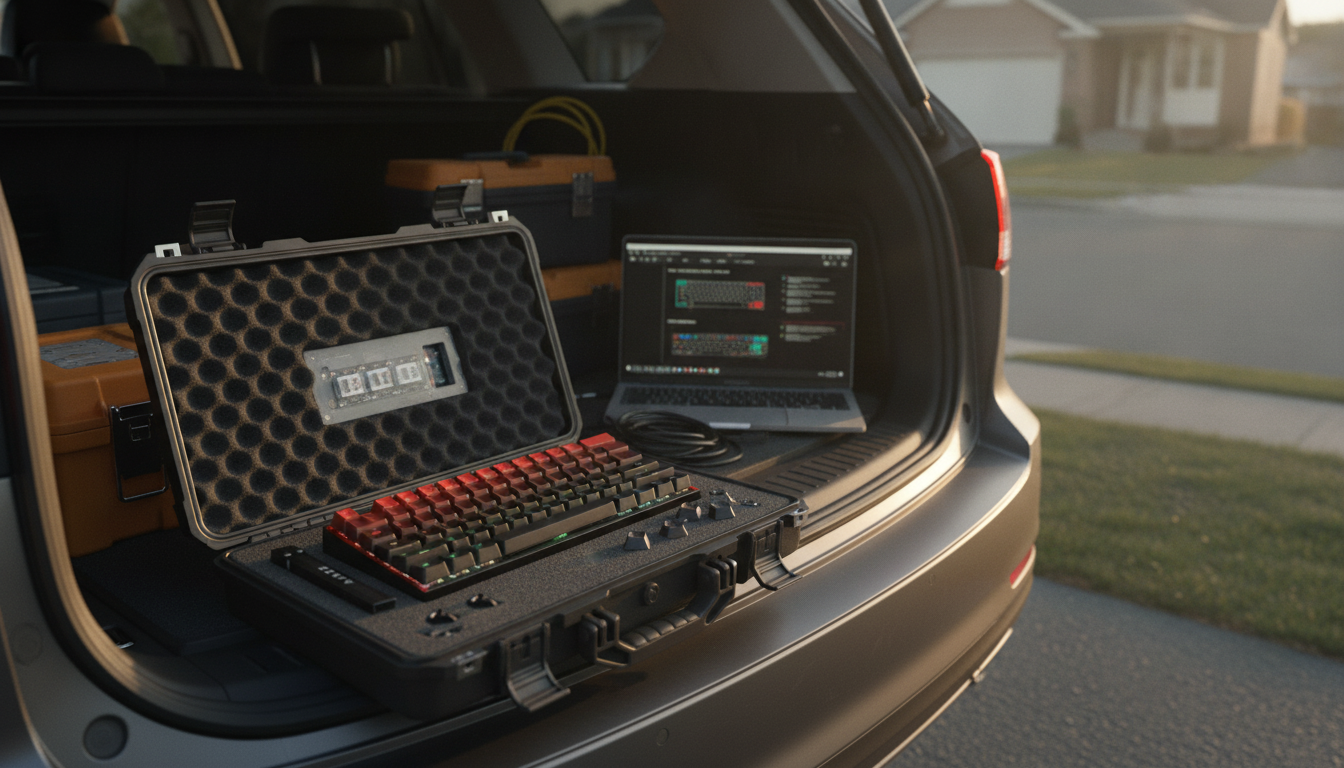
What is a magnetic hall effect keyboard?
Answer
A magnetic Hall effect keyboard is a type of keyboard that uses magnets and Hall effect sensors to detect key presses instead of physical metal contacts found in traditional mechanical switches. Each key has a small magnet attached, and when the key moves, the sensor measures the magnetic field change to determine how far the key has traveled. Because actuation is measured continuously (not just “on/off”), these keyboards can be tuned for how sensitive they feel.
One major advantage is adjustable actuation. On many Hall effect boards, you can set a shallow actuation point for faster inputs or a deeper one to reduce accidental presses. This is especially popular for gaming setups where quick, precise movement matters, but it can also help with typing comfort if you prefer a firmer, more deliberate feel.
Hall effect designs can also support features like rapid trigger, where the key can reset and re-actuate based on tiny changes in travel rather than needing to return past a fixed reset point. That can make repeated inputs feel more responsive in games and certain workflows, since the keyboard can register quick tap patterns more efficiently than many conventional switches.
Durability is another draw. With fewer wear-prone electrical contact points, Hall effect sensing can remain consistent over time. That said, the overall build quality still depends on the keyboard’s stabilizers, case, firmware, and keycap fit—so the sensor technology is only part of the experience.
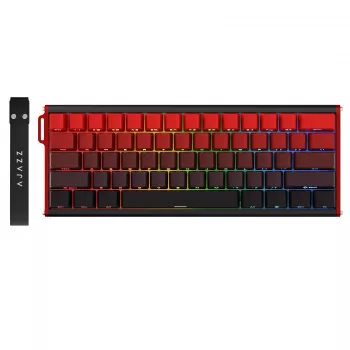
To see how Hall effect technology is applied in a compact layout and what features to look for (including rapid trigger and tuning), visit the detailed guide here: https://havencia.com/guide-60-percent-wired-hall-effect-keyboard-rapid-trigger/.
For Magnetic Hall Effect Keyboards Explained: How They Work, the best answer depends on fit, material, care instructions, and how the product will be used day to day.
FAQ
Do Hall effect keyboards feel different from mechanical keyboards?
They can. The keystroke often feels smoother and more consistent, and the ability to change actuation can make the board feel lighter or more deliberate depending on your settings.












Leave a comment