



Wireless Charging Nightstands vs Thick Phone Cases
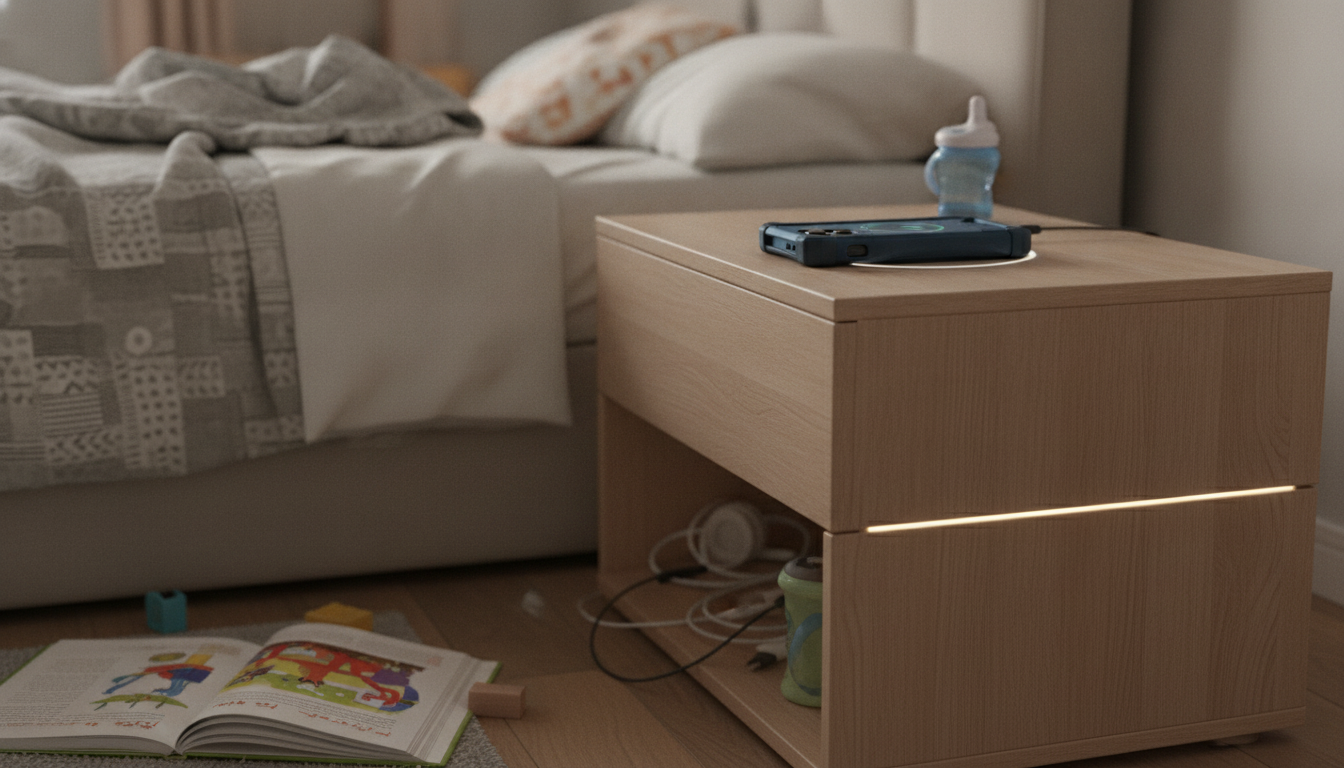
Do wireless charging nightstands charge through thick phone cases?
Sometimes—but “thick” is the deal-breaker. Wireless charging nightstands typically use the Qi standard, which relies on close contact between the charging coil in the nightstand and the coil in your phone. Most setups charge reliably through slim to moderate cases (often up to about 3–5 mm), especially silicone, TPU, or thin leather.
Once a case gets bulkier—heavy-duty rugged shells, battery cases, wallet-style cases with multiple cards, metal plates for magnetic mounts, or thick pop sockets—the distance increases and the charger may slow down, start/stop, or fail to charge at all. Even if it “works,” thick materials can cause extra heat, which may trigger the phone to reduce charging speed for safety.
What usually works
Standard protective cases without extra layers are the safest bet. Many wireless charging nightstands can handle a typical everyday case as long as the phone is centered on the charging zone and nothing is wedged between the phone and the surface.
What commonly fails
Cases with built-in batteries, multiple cards, cash, or metal components are the most frequent culprits. Metal interferes with the charging field, and cards increase spacing. Some “rugged” cases can also be simply too thick for consistent coil alignment.
Quick ways to confirm
If the nightstand has an indicator light, place the phone directly on the pad and watch for a stable “charging” signal. If charging flickers, heats up quickly, or stops when you nudge the phone, remove the case and test again. A case that prevents charging is usually the cause—not the nightstand.
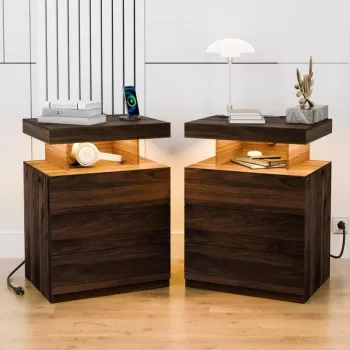
For a deeper look at how wireless charging nightstands are designed (including lighting features and placement tips), see this wireless charging nightstand guide.
For Wireless Charging Nightstands vs Thick Phone Cases, the best answer depends on fit, material, care instructions, and how the product will be used day to day.
FAQ
Will a phone charge faster on a nightstand with wireless charging if I remove the case?
Often, yes. Removing the case reduces the gap between coils, which can improve efficiency and help the charger maintain a higher, steadier charging speed.













Leave a comment