



Wireless Charging Pad While Lamp Is On: Does It Work?
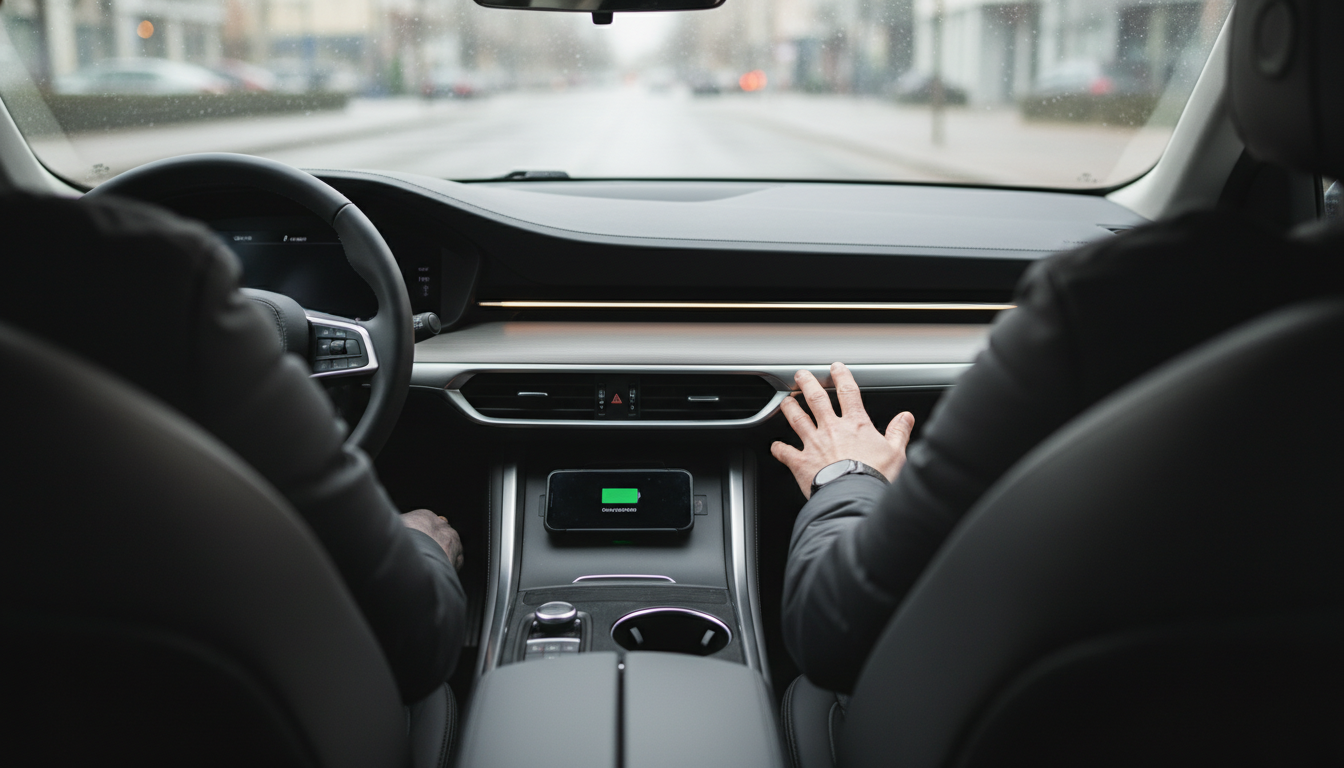
Can I use the wireless charging pad while the lamp is turned on?
Yes—on most modern lamp-and-charger combos, the wireless charging pad is designed to work independently from the light. That means the lamp can be on, off, dimmed, or set to a different brightness level while your phone charges on the pad. In normal use, turning the lamp on should not interrupt charging, and placing your phone on the pad shouldn’t cause the lamp to flicker.
That said, performance depends on the specific model and how it’s powered. If the lamp uses a low-quality power adapter, an overloaded USB port, or a shared power supply that’s underpowered, you may notice slower charging or intermittent connection—especially at higher lamp brightness levels. Using the manufacturer-recommended adapter (or a high-quality replacement with the correct wattage) usually resolves this.
Tips for reliable charging while the lamp is on
Align the phone properly: Wireless charging is picky about coil placement. If the lamp is on and you bump the nightstand, the phone can shift and pause charging. Center the phone on the pad and avoid thick cases or metal accessories.
Watch for heat: Lamps produce heat, and wireless charging also generates warmth. If the charging area feels hot, move the phone slightly away from the lamp’s hottest spot, lower the lamp brightness, or remove the phone case. Many phones slow charging when they get too warm.
Check for shared controls: A few designs route power through touch controls or built-in USB hubs. If you notice charging stops when you toggle the light, the unit may be sharing circuitry. Trying a different outlet, adapter, or power strip can help rule out power fluctuations.
For model-specific notes and troubleshooting steps (including adapter requirements and common causes of charging dropouts), see the full guide here: https://havencia.com/can-i-use-the-wireless-charging-pad-while-the-lamp-is-turned-on/.
FAQ
Why is my phone charging slowly on a lamp’s wireless charging pad?
Slow charging is usually caused by poor alignment, a thick or magnetic case, an underpowered adapter, or heat buildup from the lamp and the charging coil. Re-center the phone, remove the case, and use the recommended wall adapter to improve speed.












Leave a comment