



Will Rapid Trigger Get You Banned? Ban Risk Explained
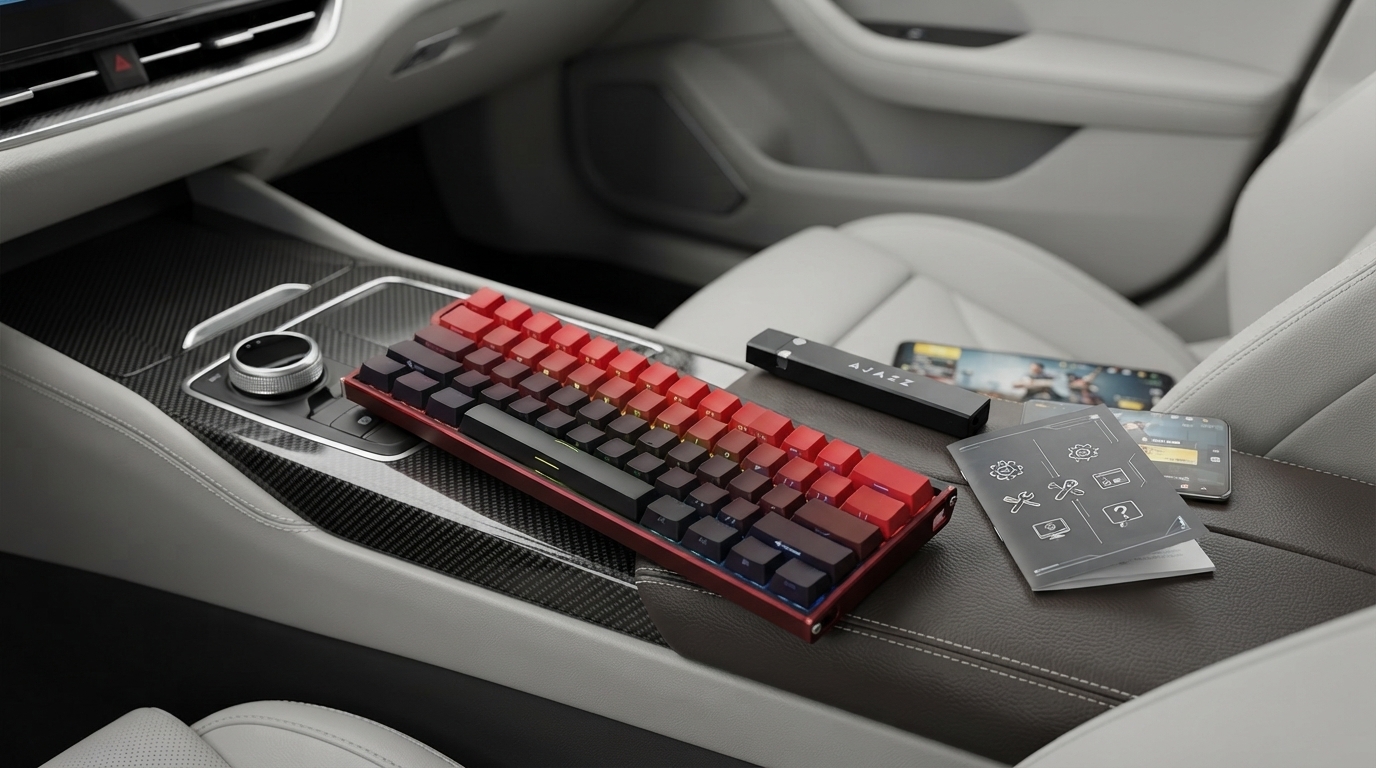
Will rapid trigger get you banned?
Rapid trigger by itself usually won’t get you banned, but it can if a game, tournament, or anti-cheat policy treats it as an unfair input advantage. Rapid trigger is a keyboard feature (most common on Hall effect keyboards) that lets a key re-actuate the moment it starts moving back up, rather than waiting for it to return to a fixed reset point. That can make repeated inputs faster and more consistent—especially in movement-heavy shooters or rhythm-like timing situations.
The key difference is that rapid trigger is still a hardware-based input behavior, not a software macro that automates actions. Many anti-cheat systems primarily target automation (macros, scripts, injected processes). However, some competitive environments classify “enhanced actuation” features as restricted gear, similar to how certain controllers, adapters, or turbo functions can be limited. If a ruleset bans specific hardware advantages, using rapid trigger could lead to disqualification in events—and in rare cases, account penalties if the game enforces those rules in matchmaking.
What actually increases ban risk?
Ban risk tends to rise when rapid trigger is combined with settings that mimic automation or when the user adds software layers on top of it. Examples include binding multiple actions to one key press, using third-party macro tools, or setting extreme actuation points that create unintended rapid-fire behavior in games that prohibit it. Even if the keyboard is “legal,” a questionable configuration can trigger reports or enforcement under “exploits” or “unfair advantage” policies.
How to use rapid trigger more safely
First, check the game’s competitive integrity or input-device policy (and tournament rules if applicable). Second, avoid macros and avoid configuring your keyboard to repeatedly fire with minimal movement if the game bans rapid-fire behavior. Third, keep your firmware and configuration software official and up to date. If you want a deeper breakdown of how rapid trigger works and how settings like actuation and reset interact, see this rapid trigger keyboard guide.
FAQ
Is rapid trigger the same as a macro?
No. Rapid trigger changes when a key re-registers based on its physical travel, while a macro automates multiple actions or repeats inputs without you manually pressing and releasing.













Leave a comment