



Add a Charging Station to Your Nightstand (Safely)
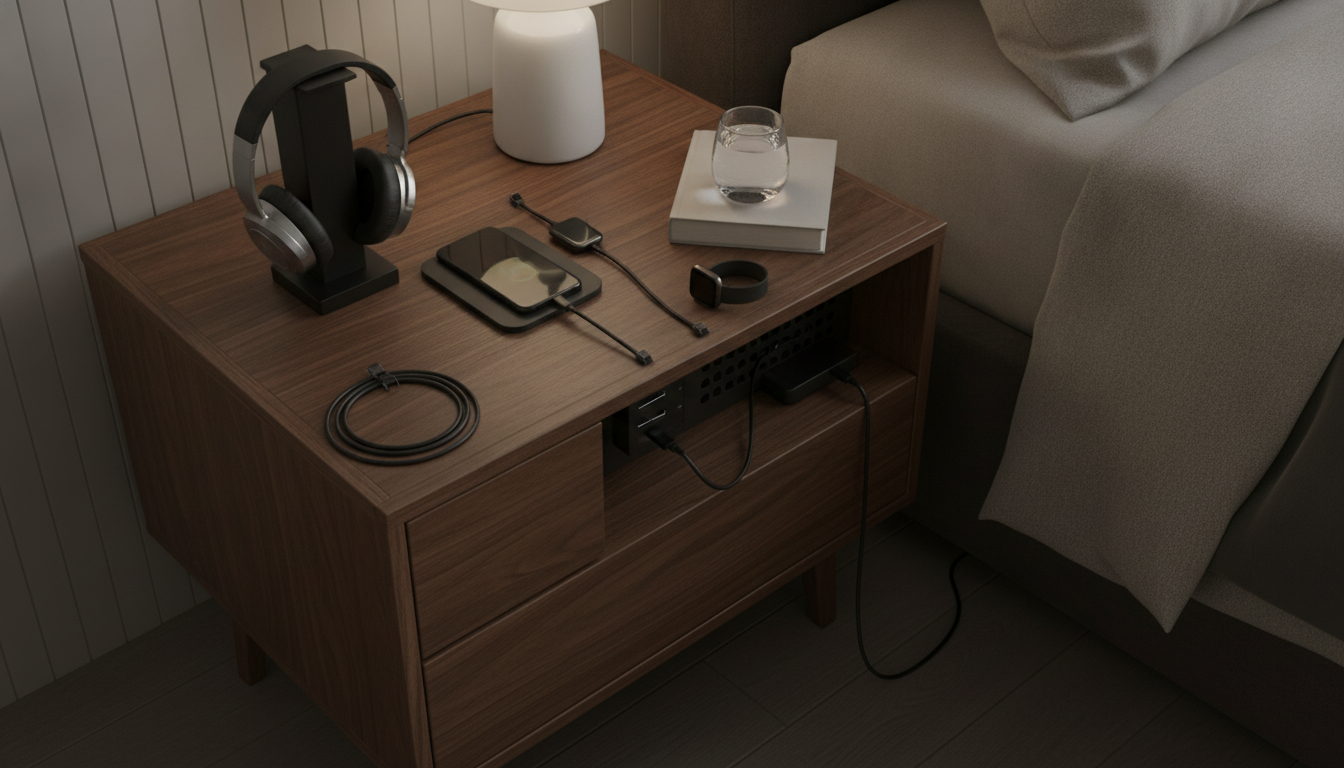
Can I add a charging station to my nightstand?
Yes—adding a charging station to a nightstand is usually straightforward, as long as you have a nearby outlet and a plan for tidy cable management. Many people choose a compact setup like a USB charging hub, a surge-protected power strip, or a wireless charging pad placed on top of the nightstand. If your nightstand has a drawer or a shelf, you can also hide the bulk of the cords inside while keeping a clean surface.
The simplest option is a plug-in charging station that sits on the tabletop. Look for one with multiple USB-C/USB-A ports and enough wattage for your devices (phones, earbuds, tablets, or a smartwatch). If you want less clutter, a wireless charging pad can reduce cable tangles—just keep in mind it works best with compatible phones/cases and needs a stable, non-metal surface to charge reliably.
If you’re comfortable with light DIY, you can make the setup feel built-in by adding a cable grommet (a small pass-through hole) in the back corner of the nightstand, then routing cables down to a surge protector mounted or placed behind/under the furniture. For renters or anyone avoiding drilling, adhesive cable clips and cord sleeves can keep wires neat without permanent changes.
Safety matters at the bedside: avoid running cords under rugs where they can overheat, keep liquids away from charging areas, and use a surge protector if you’re charging multiple devices overnight. Also, choose a charging station with certifications (like UL listing) and avoid overloading a single outlet with too many adapters.
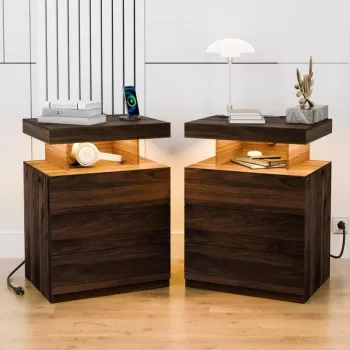
If you’d rather skip DIY and get a cleaner, integrated look, consider a nightstand designed with built-in charging and lighting features. For practical examples and ideas, see this guide to LED nightstands with wireless charging and RGB glow.
FAQ
What should I look for in a nightstand charging setup to keep cords hidden?
Prioritize a rear cable path (grommet or open back), a place to stash a surge protector (drawer, shelf, or behind the nightstand), and simple cord organizers like adhesive clips or a cord sleeve to prevent tangles and visual clutter.













Leave a comment