



Control an Electric Fireplace With Your Phone: What to Know
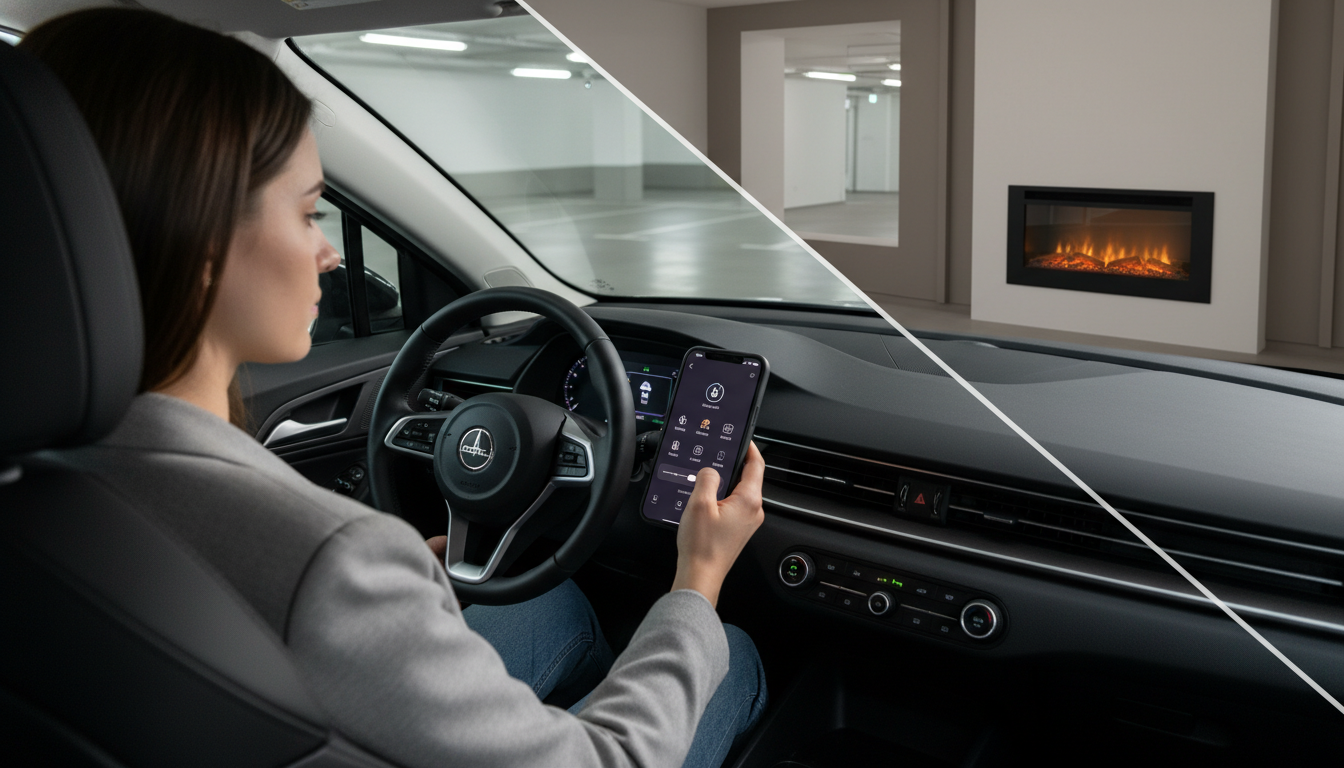
Can I control my electric fireplace with my phone?
Yes—if your electric fireplace includes Wi‑Fi or Bluetooth connectivity (or is designed to work with a companion app), you can usually control it from your phone. That typically means turning the unit on/off, adjusting the flame effect, setting the heat level, and managing timers or schedules without needing to be in the same room.
Not every electric fireplace supports app control, though. Many models rely on a handheld remote and on-unit buttons only. Before you buy, look for terms like “app control,” “Wi‑Fi enabled,” “smart fireplace,” or compatibility notes for iOS/Android.
How phone control usually works
Most app-controlled fireplaces connect through your home Wi‑Fi network, letting you operate the unit from anywhere you have internet access (depending on the brand and app). Some models use Bluetooth instead, which is typically limited to close-range control. Setup usually involves downloading the manufacturer’s app, pairing the fireplace, and confirming your network details.
What you can control from an app
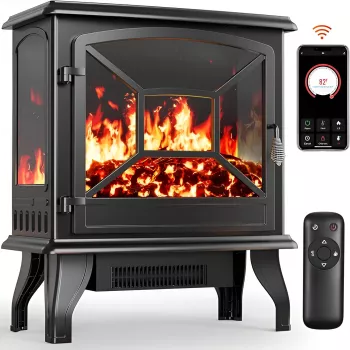
Features vary by model, but phone control commonly includes power, flame brightness/colors, thermostat or heat output, and sleep timers. Higher-end or newer smart units may also support presets, scheduling, and integration with voice assistants through the app ecosystem.
What to check before buying
Confirm the fireplace explicitly supports phone control—“remote included” does not automatically mean “app enabled.” Also verify whether the unit needs 2.4 GHz Wi‑Fi, whether multiple users can share access, and whether core functions still work if the internet is down (some fireplaces keep local button/remote control even if app control is unavailable).
For a model-focused walkthrough of remote and app-enabled options, see this guide: https://havencia.com/blog/guide-24-inch-portable-electric-fireplace-remote-app-control/.
FAQ
Do electric fireplaces need Wi-Fi for smart controls?
Only Wi‑Fi-enabled models require Wi‑Fi for app-based control. If a fireplace uses Bluetooth, you may control it without Wi‑Fi, but usually only from nearby.












Leave a comment