



AI Pet-to-Human Portrait: Easy Steps & Prompt Tips
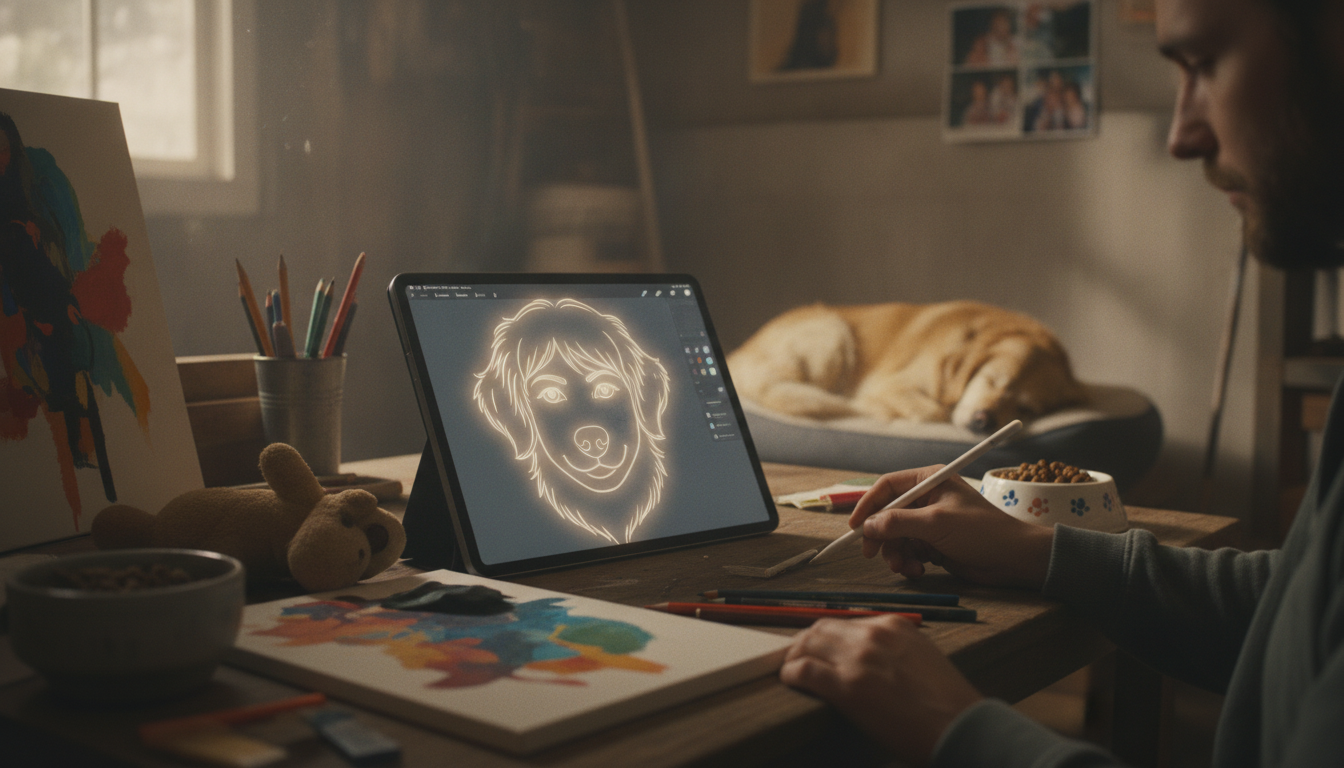
How to use AI to turn a pet into a human?
“Turning a pet into a human” with AI usually means creating a fun, human-style portrait inspired by your pet’s face, markings, or personality—not a realistic transformation or anything biological. The easiest way is to use an AI image generator or a dedicated “pet to human” filter, then refine the result with a few targeted edits.
Step 1: Start with the right photos
Choose 2–6 clear images taken in good light: one straight-on face shot, one 3/4 angle, and one full-body photo if you want clothing or body cues. Make sure defining details (eye color, distinctive spots, ear shape) are visible.
Step 2: Pick your approach (filter vs. generator)
Filters are fastest and more consistent, but less customizable. Full image generators give more control over age, style (cartoon, realistic, anime), and mood—at the cost of more trial-and-error.
Step 3: Describe the “human version” with specific traits
Use concrete attributes tied to your pet: “freckles matching the muzzle spots,” “hair streak the color of the tail tip,” or “round eyes with a bright, curious expression.” If the tool supports it, add a “negative” list to avoid common issues like extra fingers, distorted teeth, or mismatched eye color.
Step 4: Iterate with small changes
Change only one element at a time—age, hairstyle, outfit, background—so you can tell what improved or broke the likeness. If the output loses key markings, re-upload a clearer reference photo and emphasize those details in your description.
Step 5: Keep it safe, ethical, and pet-friendly
Avoid uploading photos with personal info (tags with phone numbers, addresses on mail). If your pet’s stress shows up in photos, consider working on calmer routines first; this guide on reducing pet anxiety can help: AI Pet Behavior Toolkit: 10-in-1 Calmer Routines.
FAQ
What can I do with AI besides making “pet-to-human” pictures?
You can use AI to spot patterns in behavior, build calmer daily routines, and track triggers like noise, separation, or schedule changes to support a more relaxed pet.













Leave a comment