



Rapid Trigger on All Keys? When to Enable It
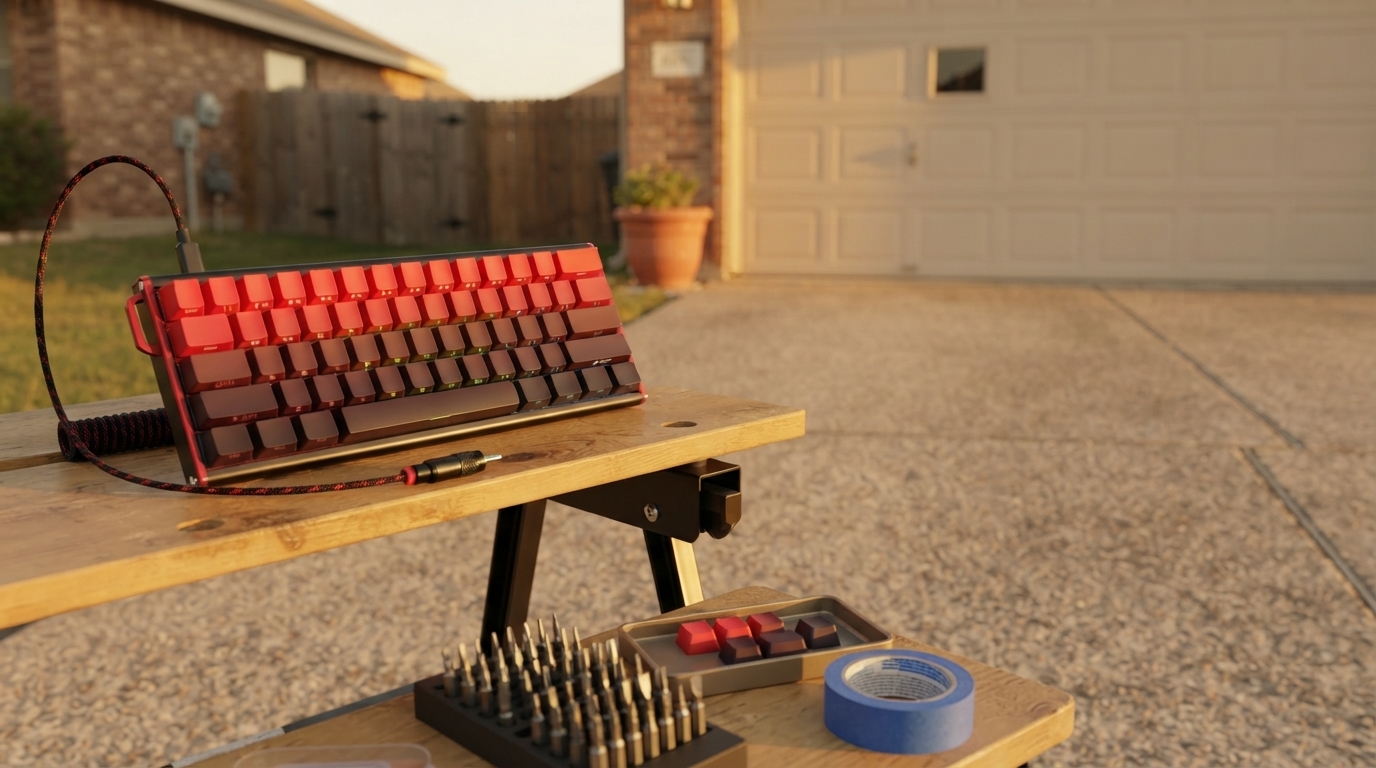
Should I turn on rapid trigger for all keys?
Usually, no. Rapid trigger is most beneficial on keys you repeatedly press and release quickly—like movement keys in FPS games—because it resets the actuation point based on how far the switch travels back up. Turning it on for every key can make normal typing feel overly sensitive, increase accidental presses, and reduce consistency on keys that benefit from a stable actuation point.
When enabling rapid trigger on all keys makes sense
If the keyboard is used almost exclusively for competitive gaming, enabling rapid trigger broadly can make the board feel uniformly “instant.” This can be helpful for fast tap inputs across multiple keys (movement, abilities, and common binds) and for players who prefer a very light, reactive feel.
Even then, it’s smart to verify that your game and muscle memory benefit from the extra sensitivity. Some users find that fully global rapid trigger makes micro-adjustments harder, because keys can re-trigger with very small changes in finger pressure.
When it’s better to limit rapid trigger to specific keys
For mixed use (work + play), selective rapid trigger is typically the sweet spot. Consider enabling it on:
- WASD or ESDF for movement
- Shift/Ctrl for crouch/sprint (if you spam them)
- Spacebar (for repeated jumps) if it feels controlled
Keep it off—or use a more traditional actuation setting—on:
- Alphanumeric typing keys if you’re prone to typos
- Backspace/Enter if accidental triggers would be disruptive
- Modifier keys you rest on (to avoid unintended inputs)
A practical way to dial it in
Start with rapid trigger only on your highest-frequency gaming keys, then expand gradually if it feels comfortable. If your keyboard software lets you set separate actuation and release behavior per key, keep “utility” keys slightly less sensitive than movement keys for better control.
For a deeper explanation of how rapid trigger works on Hall effect keyboards—and how to configure it—see the full guide here: https://havencia.com/guide-60-percent-wired-hall-effect-keyboard-rapid-trigger/.
FAQ
What’s the difference between rapid trigger and adjustable actuation?
Adjustable actuation sets a fixed point where a key registers. Rapid trigger dynamically resets the activation based on key travel, allowing faster reactivation with smaller up/down movements.













Leave a comment