



Qi LED Nightstands: iPhone & Android Wireless Charging
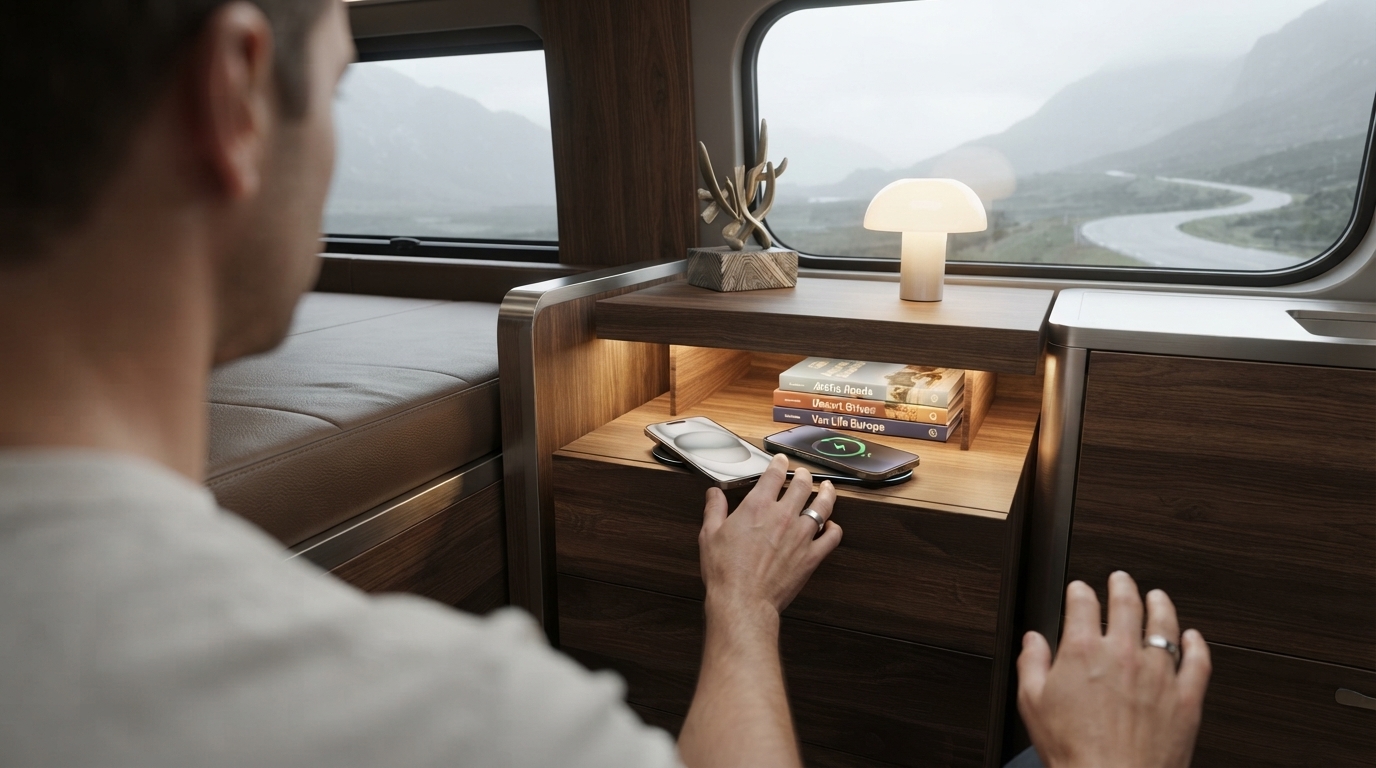
Do LED nightstands with wireless charging work with iPhone and Android phones?
Most LED nightstands with built-in wireless charging will work with both iPhone and Android phones—as long as your phone supports the Qi wireless charging standard and the nightstand’s charging pad is a Qi charger. Qi is the common format used across many devices, including iPhones (recent models) and a wide range of Android phones from brands like Samsung, Google, and others.
How to tell if your iPhone will charge
iPhones that support wireless charging can typically charge on a Qi pad built into a nightstand. If your nightstand advertises “Qi wireless charging,” it should charge a compatible iPhone when you place it centered on the pad. Some iPhones may charge more reliably when used without thick cases or with cases labeled wireless-charging compatible.
How to tell if your Android phone will charge
Many Android phones support Qi, but not all models do. If your phone has Qi wireless charging (often listed in the specs as “wireless charging” or “Qi”), it should work on a Qi nightstand charger. If your Android doesn’t support wireless charging, the pad won’t add that feature unless you use a compatible wireless charging receiver accessory.
Common reasons it may not work (or charges inconsistently)
Wireless charging on furniture can be sensitive to alignment and distance. Thick cases, metal plates (often used for magnetic mounts), pop sockets, or a phone placed slightly off-center can interrupt charging. Also, if the nightstand’s charging output is low (for example, 5W), it may charge slowly—especially if your phone is running navigation, streaming, or fast-draining apps overnight.
What to look for before buying
Check that the nightstand specifies “Qi wireless charging,” lists its wattage, and notes any case thickness limits. For a deeper breakdown of features, lighting modes, and what to expect from real-world use, see the full guide: LED Nightstands with Wireless Charging & RGB Glow.
FAQ
Why is my phone charging slowly on a wireless-charging nightstand?
Slow charging is usually caused by low wattage output, imperfect alignment on the pad, or a thick/metallic case. Removing accessories and centering the phone on the charging area typically improves performance.













Leave a comment